Shift Affinities
Affinities encourage or discourage selected people working on the same date. This page is optional. Skip it when no working-together rule is needed.
Real scenario example
The anonymized 87-person ward uses no affinity rules. Its staffing, requests, successions, and counts are sufficient, so this page remains empty.
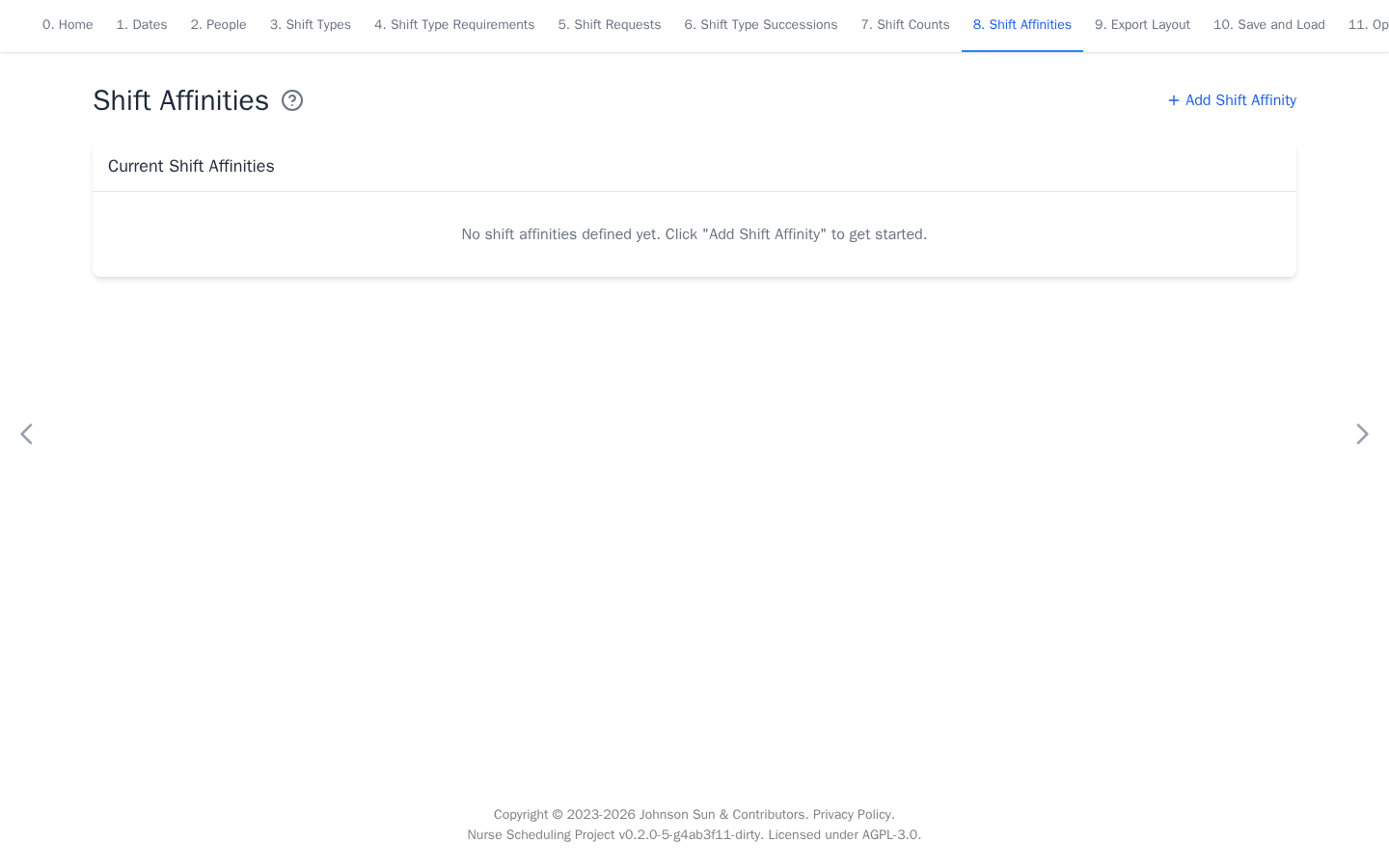
Add an affinity
- Select Add Shift Affinity.
- Select dates, People 1, People 2, and shift types.
- Use a positive weight to encourage matches or a negative weight to discourage them.
- Select Add.
A match means the selected people work any selected shift on the same date. When a shift group is selected, they need not work the same concrete member shift. Use one concrete shift when that distinction matters.
Every top-level entry in People 1 is checked with every top-level entry in People 2. Individual IDs form individual pairs. A selected group remains one collective condition and matches when any member on each side works a selected shift. It does not create a separate rule for every member pair. Avoid overlapping selectors when a person should not match themselves.