Nurse Scheduling User Guide
Create a staff schedule in the browser, apply workplace rules, and export the result to Excel.
Open Nurse Scheduling Get a working result
Home
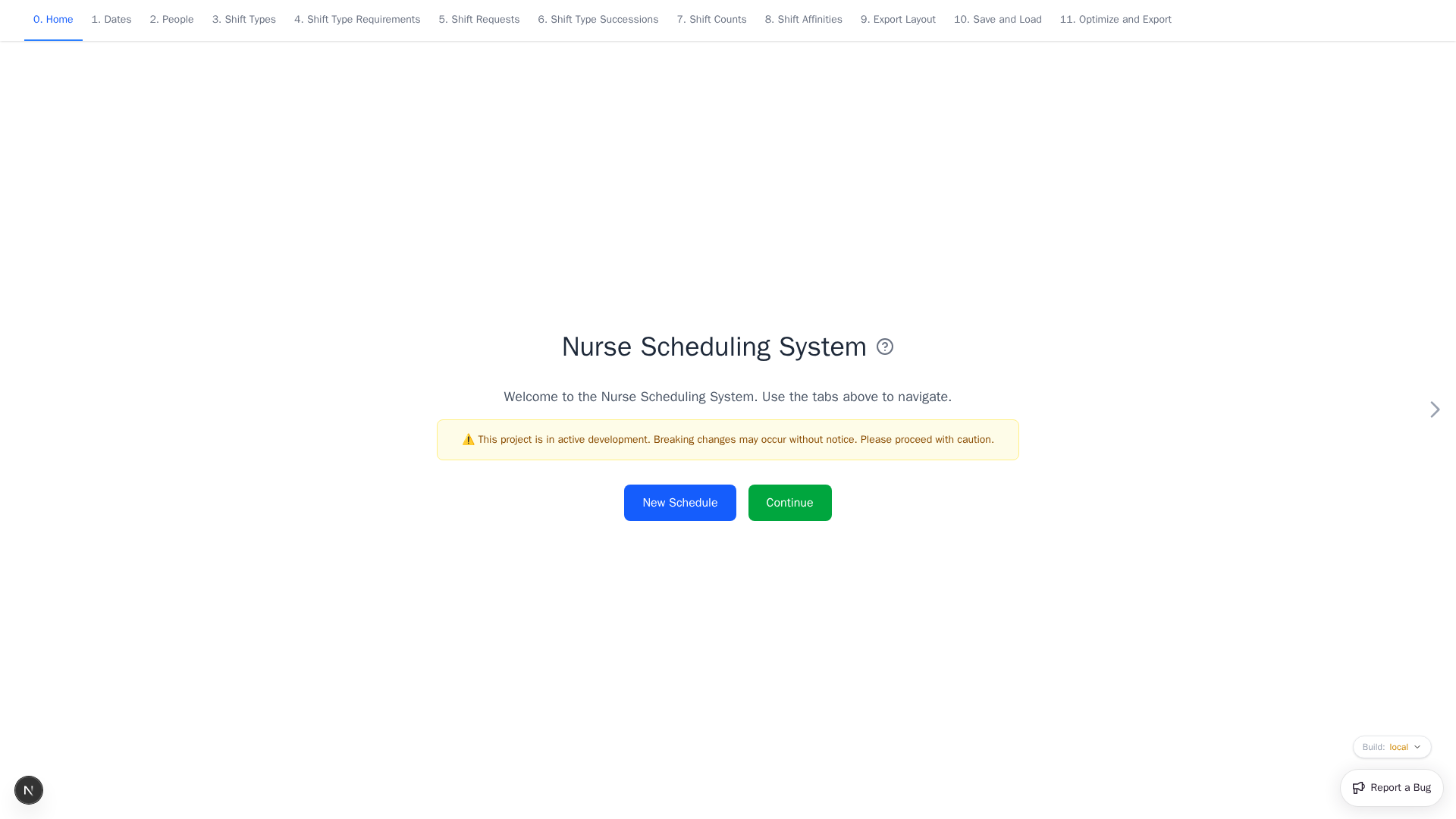
Use New Schedule to replace browser data with the starter schedule. Back up useful work first. Use Continue to open Dates without resetting anything. The build selector at the lower right switches between available app builds.
Guide by app page
| App page | What it controls |
|---|---|
| Dates | Scheduling period and reusable date groups |
| People | People, qualifications, teams, and history |
| Shift Types | Working shifts and reusable shift groups |
| Shift Type Requirements | Staffing levels and qualifications |
| Shift Requests | Preferred and avoided assignments |
| Shift Type Successions | Encouraged or forbidden sequences |
| Shift Counts | Workload targets and limits |
| Shift Affinities | Working together or apart |
| Export Layout | Workbook styles and summaries |
| Save and Load | YAML backup, restore, and inspection |
| Optimize and Export | Solver selection and XLSX download |
See Screen and Control Reference for shared controls, keyboard shortcuts, weights, and automatic entries.
Developers and operators can use the Developer Guide.