Export Layout
Export Layout controls workbook formatting and summaries when Prettify XLSX is enabled. The default layout already marks weekends, requests, history, and common counts. This page is optional. Skip it when the default workbook is sufficient.
Real scenario example
The anonymized ward does not define a custom export layout. The app generates the default style rules for requested and unmet shifts, which are sufficient for its workbook.
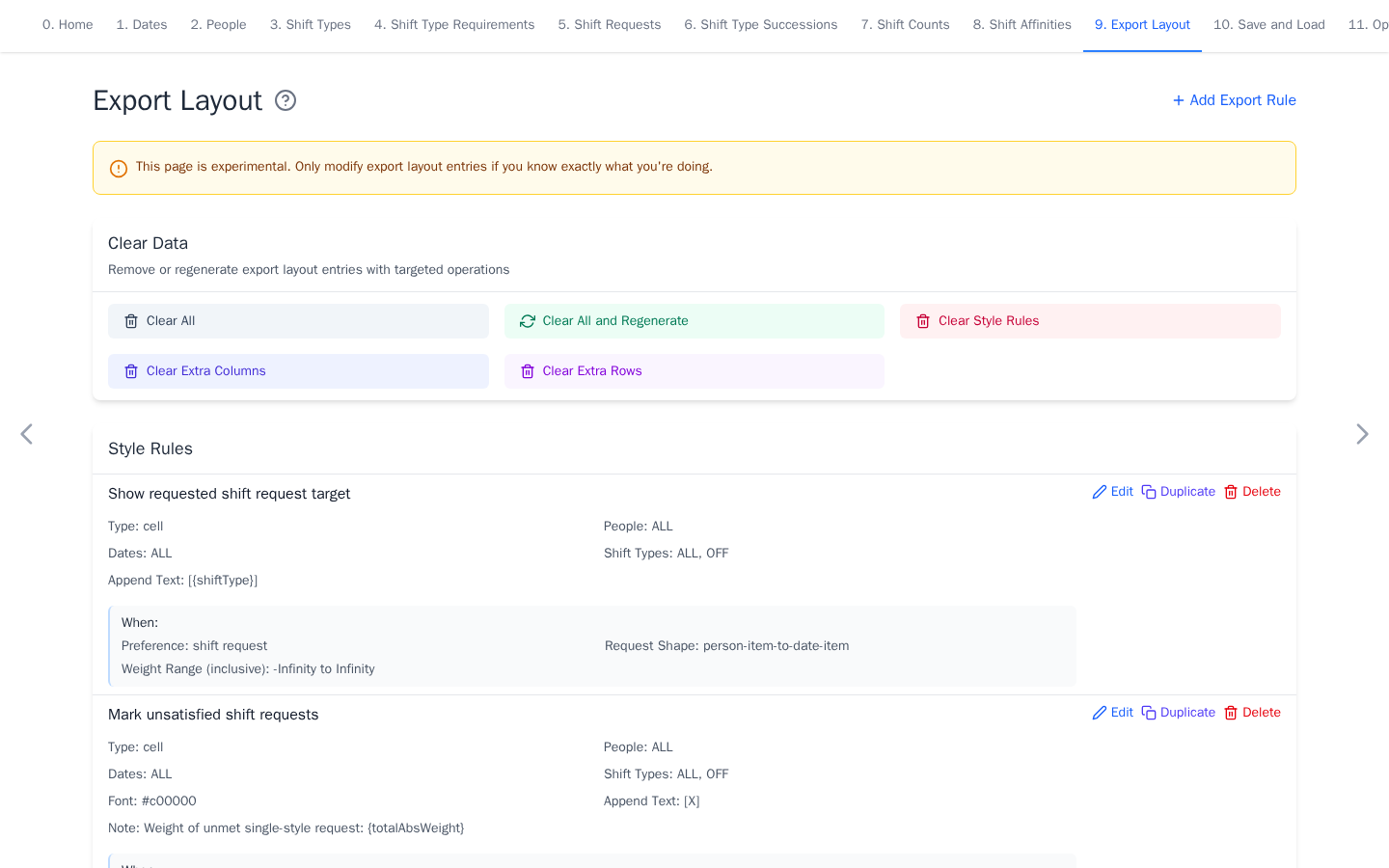
Experimental
Keep the default layout for the first run. Download a YAML backup before making extensive changes. Saving any entry pins the layout, so the auto-generated default stops updating as shift types and date groups change. Use Clear All and Regenerate to restore auto-updates.
Customize the layout
- Style changes selected cells, rows, columns, or history areas.
- Extra Column adds a per-person count over selected dates and shifts.
- Extra Row adds a per-date count over selected people and shifts.
Use #RRGGBB color values. Count coefficients are optional and default to 1.
Rules apply in displayed order within each section, so later styles can change
earlier ones.
Select Add Export Rule to create a rule. Use the clear and regenerate
controls to recover the default layout when an experiment is no longer useful.
Renaming or deleting people, dates, or shifts updates layout references. For a
custom summary, an Extra Column can count one shift across ALL dates for
each person.
The solver model is unchanged by export layout rules. Continue with Save and Load or Optimize and Export.